 blog
blog
Police K9 Certification Tracking Software: 2026 Guide
Table of Contents
- Why Police K9 Certification Tracking Software Beats Paper Logs
- Core Features to Look For in K9 Record-Keeping Software
- K9 Training Log Templates vs. Digital Records
- Managing K9 Handler Certification Cycles Without Lapses
- Court-Ready K9 Performance Reports and Digital Audit Trails
- Police K9 Liability Documentation and CJIS Compliance
- Getting Started: Implementation and Onboarding
- Frequently Asked Questions
Last Updated: September 20, 2026
Why Police K9 Certification Tracking Software Beats Paper Logs
Police K9 certification tracking software is a records system built to log training, deployments, and certifications for working-dog teams in one place. It replaces paper logs and spreadsheets with searchable, timestamped records. This guide from Trakker covers what to look for and how to choose.
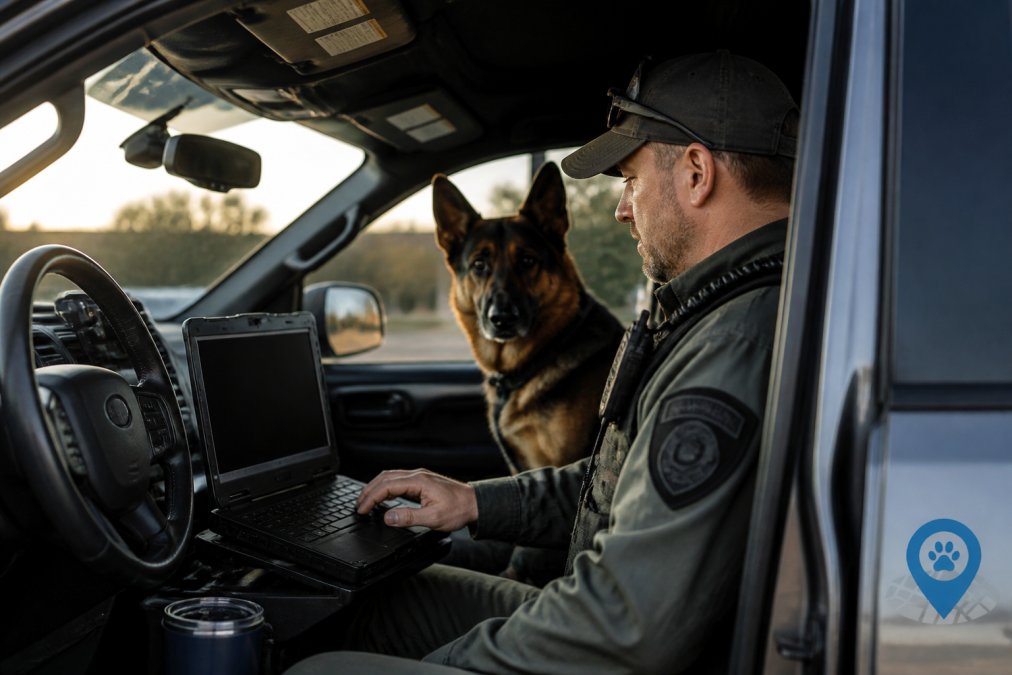
Paper logs fail at the worst possible moment. A defense attorney asks for the training history behind a narcotics alert, and someone has to hunt through binders. Pages go missing. Ink smears. Dates don't match.
Core Features to Look For in K9 Record-Keeping Software
The features that matter most are deployment logs, GPS mapping, training session tracking, and supervisor dashboards. Skip platforms that offer only one of these. Records that live in separate systems create the same gaps as paper.
Deployment Logs, GPS Mapping, and Location Monitoring
A deployment log should capture the date, time, location, handler, dog, and outcome of every call. GPS mapping ties each entry to a real place. Location monitoring shows supervisors where teams actually worked, not where the paperwork says they worked.
Look for these must-haves:
- Timestamped entries that can't be edited after the fact
- GPS coordinates attached to each deployment
- Search by handler, dog, date, or location
- Export to PDF for court filings
- Real-time alerts when a certification nears expiry
Training Session Logging and Supervisor Dashboards
Training session logging should take under two minutes per entry. If it takes longer, handlers stop doing it. That's the honest failure mode of every records system.
K9 Training Log Templates vs. Digital Records
Paper templates work until they don't. A printed K9 training log template is cheap and familiar, and for a two-dog unit it can hold up for a while.
| Factor | Paper Templates | Digital Records |
|---|---|---|
| Search speed | Manual, slow | Instant |
| Tamper evidence | None | Timestamped audit trail |
| Expiry alerts | Manual tracking | Real-time alerts |
| Court export | Photocopies | Court-ready reports |
| Multi-handler visibility | Separate binders | Unit-wide dashboard |
| Storage | Physical, fragile | Secure, backed up |
Managing K9 Handler Certification Cycles Without Lapses
Certification tracking is the single most important job the software does. A lapsed certification can pull a dog off the street and put prior cases under scrutiny.
A system that works will:
- Store the certification type, issue date, and expiration for every dog and handler
- Send real-time alerts at 90, 60, and 30 days out
- Keep the supporting documentation attached to the record
- Show a unit-wide view of who is current and who is not
Court-Ready K9 Performance Reports and Digital Audit Trails
Court-ready K9 performance reports are documents formatted for legal proceedings, showing a dog's full training and deployment history with verifiable timestamps. They answer the questions a judge or attorney will actually ask.
What a strong report includes:
- Complete training history with dates and hours
- Certification records with issuing authority
- Deployment history tied to specific incidents
- Handler identification for every entry
- A clear chain showing no gaps in the record
Police K9 Liability Documentation and CJIS Compliance
Police K9 liability documentation is the record set that protects your agency when a deployment is challenged. It covers training, certification, and deployment history for every dog and handler on the team, and for search and rescue and human remains detection work, it also covers the callout, the search area, the find, and the recovery.
- Access control, role-based permissions so a handler sees their own dog's records and a supervisor sees the unit, with no shared logins.
- Encryption, data encrypted at rest and in transit, not just behind a login screen.
- Audit logging, every create, edit, and export is written to a log that the user cannot alter.
- Personnel screening, anyone with access to the data is subject to the same background and fingerprint requirements as other CJI users.
- Incident response and backup, documented procedures, tested restores, and a retention schedule that matches your state's public records law.
What a Defensible Record Actually Contains
Liability turns on whether you can show, months or years later, that the dog and handler were qualified on the day they worked. A record that survives that test has five parts:
- The certification type, issuing authority, issue date, and expiration.
- The training hours logged between certifications, with dates and a trainer or evaluator identified.
- The deployment or callout record, date, time, location, handler, dog, and outcome.
- The supporting documentation attached to the record, not stored in a separate binder.
- A change history showing who touched the record and when.
SAR-Specific Liability
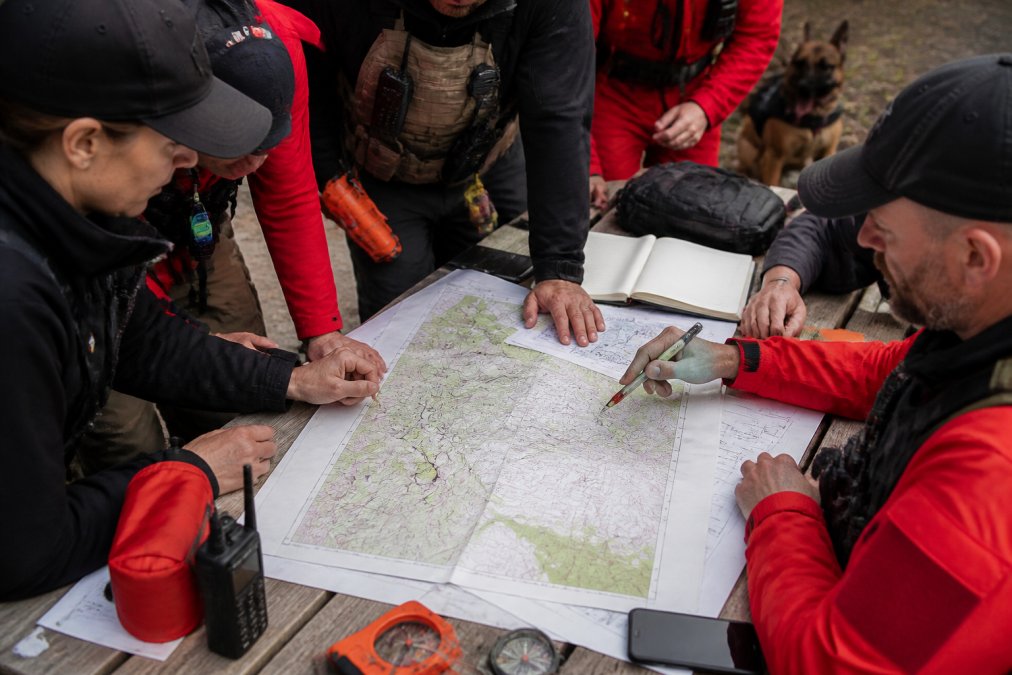
Search and rescue teams carry a different exposure than patrol units. A callout may end without a find, and the record still has to show the dog was certified, the handler was current, and the search was conducted to standard. Volunteer teams also answer to a sponsoring agency, a state emergency management office, or both, which means the same record may be reviewed by a sheriff, a coroner, and a court.
Questions to Ask Before You Buy
- Where is the data stored, and who can access it?
- Does the platform log every user action, including exports?
- Can you restrict records by role and by team?
- How are backups handled, and how often are restores tested?
- Can you export a complete record for one dog without pulling the whole unit file?
- Does the vendor sign a data processing agreement, and do they notify you of a breach?
Liability mitigation isn't a feature you bolt on later. It's built into how records are created, stored, and exported from day one, and for SAR and HRD teams, it's the part of the file that gets read aloud.
Getting Started: Implementation and Onboarding
Implementation should take weeks, not months. A well-built system lets you import existing records, set up your certification types, and get handlers logging within the first few days.
Migrating From Paper and Spreadsheets
The hard part isn't the software. It's the records you already have. Before you import anything, decide what a "complete" record looks like for your unit, certification type, issue date, expiration, issuing authority, and the supporting document. Then sort your existing files into three piles:
- Clean, import as-is.
- Incomplete, import what you have and flag the gaps so they get resolved, rather than hiding them.
- Unrecoverable, document the gap and move on. A record with a known hole is more defensible than a record with an invented date.
A Practical Rollout
- Export your current records from binders or spreadsheets into a single working file.
- Set up certification types and renewal windows for each discipline you run.
- Import dogs, handlers, and existing certifications.
- Configure alert thresholds for expirations.
- Train handlers on field entry, not just office entry.
- Run a two-week parallel period with paper.
- Cut over once the digital records match.
The thing nobody tells you about onboarding is that handler adoption decides whether it works. Pick your most skeptical handler and get them using it first. If they buy in, the rest follow.
Bridging CAD and RMS
Integration with existing CAD and RMS systems matters more than most buyers expect. A standalone tool that duplicates data entry creates more work, not less. Before you commit, ask the vendor three questions:
- What's the export format? CSV and PDF are table stakes. If the platform can't produce a structured export, you're locked in.
- Is there an API? If your CAD or RMS vendor supports it, an API lets incident numbers and call data flow into the K9 record instead of being retyped.
- What happens at cutover? You need a documented path to move your data out if you ever change systems. Ask for it in writing.
Frequently Asked Questions
Why is digital K9 certification tracking important for court defensibility?
Digital records create a timestamped audit trail that shows exactly when a dog was trained, certified, and deployed. If defense counsel challenges a K9 alert, you can produce a complete history rather than reconstructing it from memory. Paper logs are easy to lose, alter, or leave incomplete, which weakens the reliability of your testimony. Police K9 certification tracking software keeps every entry verifiable and exportable as a court-ready report.
What features should a K9 unit look for in record-keeping software?
Prioritize deployment logs, GPS mapping, training session tracking, certification cycle alerts, and a supervisor dashboard. Look for software that produces court-ready K9 performance reports and supports police K9 liability documentation. Check that it integrates with your CAD/RMS systems and meets CJIS data security requirements. A free trial lets you test whether the workflow matches how your handlers actually operate in the field.
Can K9 tracking software help with departmental audits?
Yes. Auditors typically want proof that each canine team met certification standards, completed required training hours, and documented deployments. Software with centralized records and a digital audit trail lets you pull that evidence in minutes instead of days. Supervisor dashboards also give unit leadership ongoing visibility into compliance gaps before an audit or a court date forces the issue.
What is the benefit of centralized K9 training and certification records?
Centralized records eliminate the scattered spreadsheets, binders, and paper logs that make it hard to answer basic questions about a canine team's history. When everything lives in one system, supervisors can track training progress, certification cycles, and deployment activity across the whole unit. That visibility supports data-driven decisions about scheduling, recertification, and resource allocation, and it means any handler's records are retrievable in seconds.
Certification lapses and thin documentation are the two fastest ways to lose a case you should have won. Trakker gives K9 units one place to track training, deployments, and certifications, with court-ready reports and ANSI 076 standards built in. Start a free trial and see how your unit's records look when they're actually defensible.